In order to develop with Adfin, you will need to configure a test account within our staging environment. This will allow you to use OAuth2 to connect to the account and start creating customers, invoices, and payments.
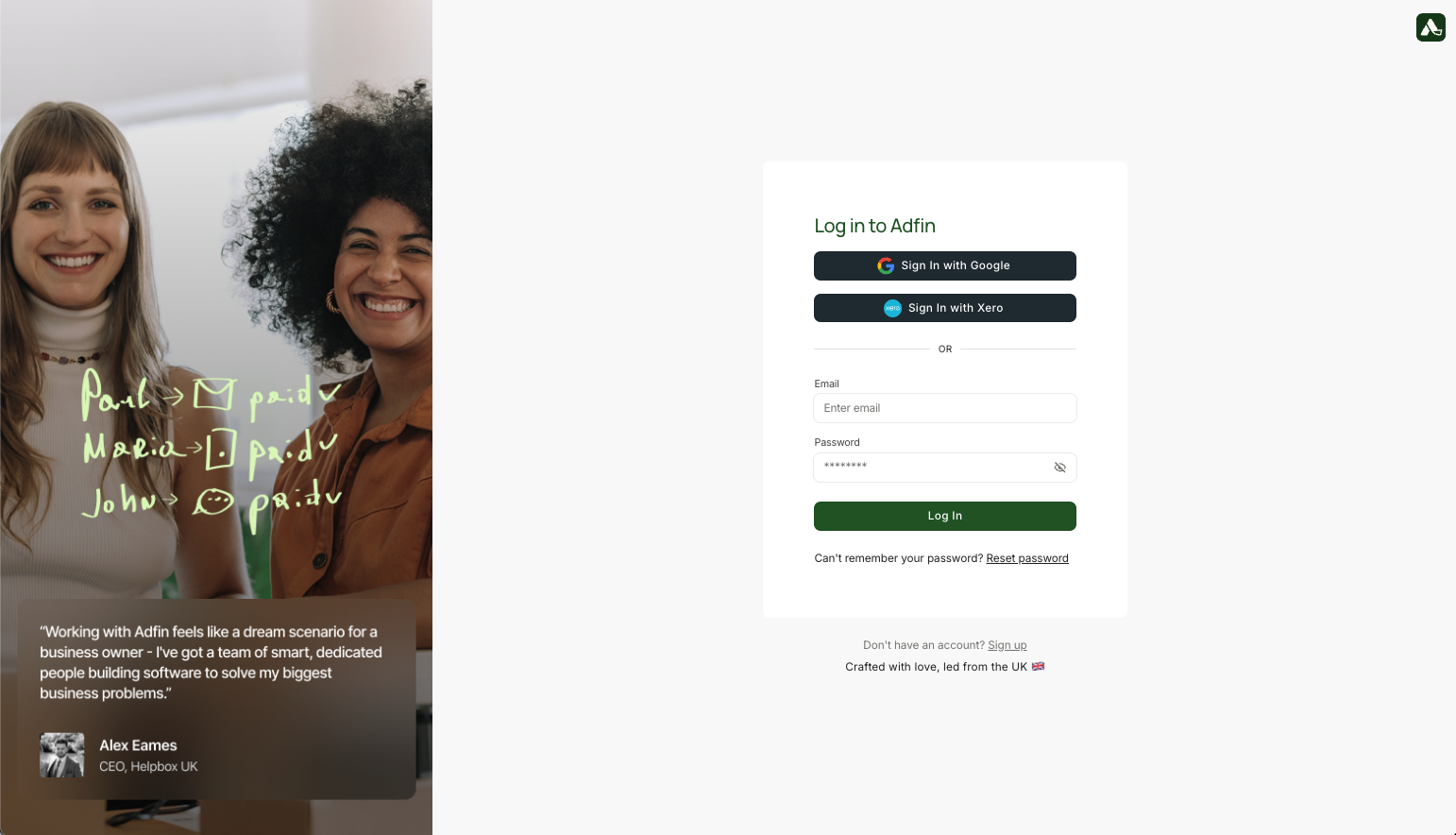
Navigate to the following URL, where you will be able to sign up for Adfin. https://staging.adfin.com/auth/signup
Example: If you are professional services platform, you would register an accountant here. This is not a platform registration.
When you have finished signing up, you will be in the Adfin console. The Adfin console then allows you to complete a final KYB check.
Any accounts created in staging.adfin.com - you do not need to register real information.
Bank Account Verification
You should use the same bank account details registered in the original flow you registered with Adfin.
Click "Upload PDF" which will allow you to upload any PDF to verify the bank statement. You can upload any information here to pass KYB, as you will not be able to process real payments from staging.