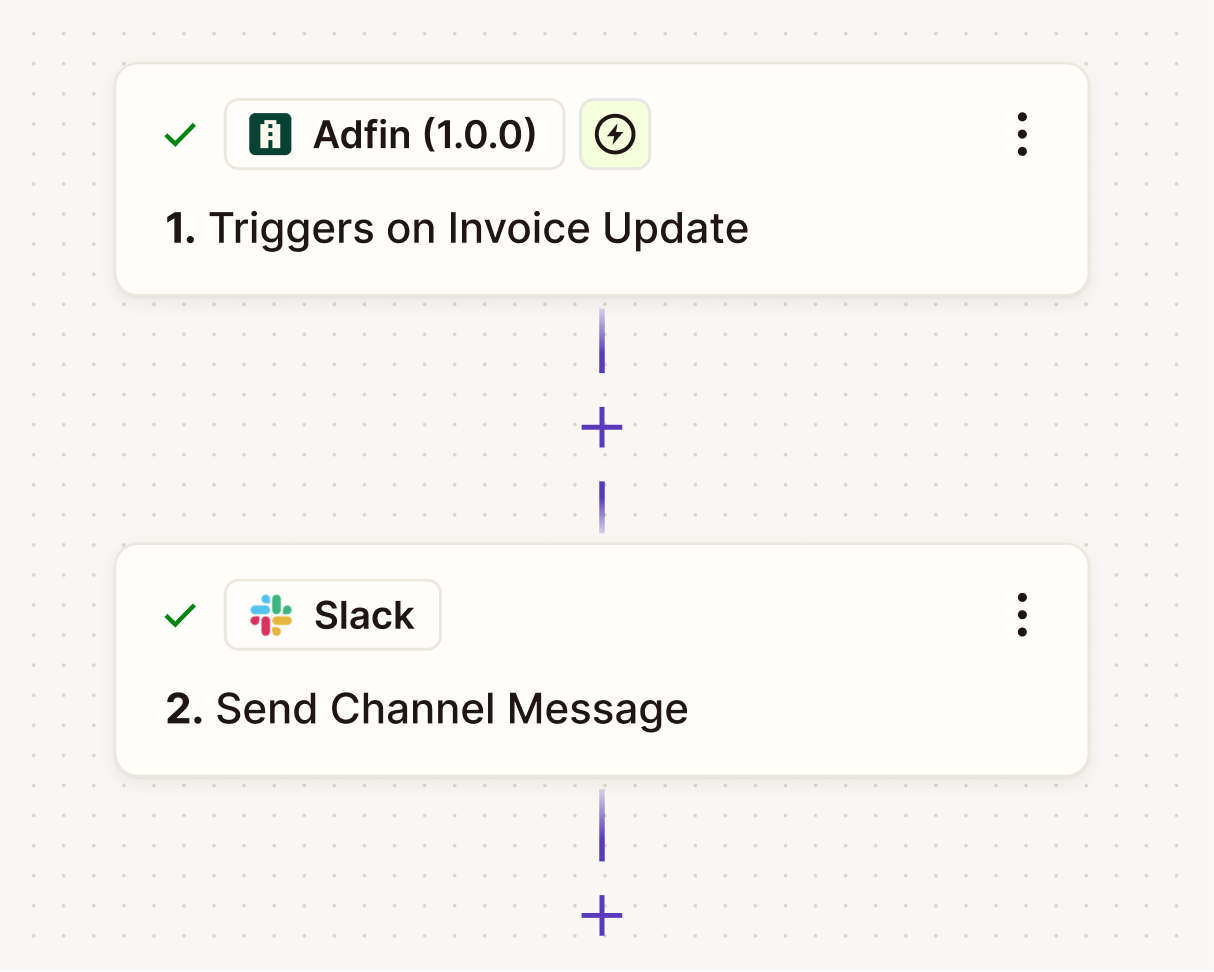
Triggers
Start a Zap when something changes in Adfin, such as an invoice being updated.
Connect Adfin to the tools you already use, without writing code.
Start a Zap when something changes in Adfin, such as an invoice being updated.
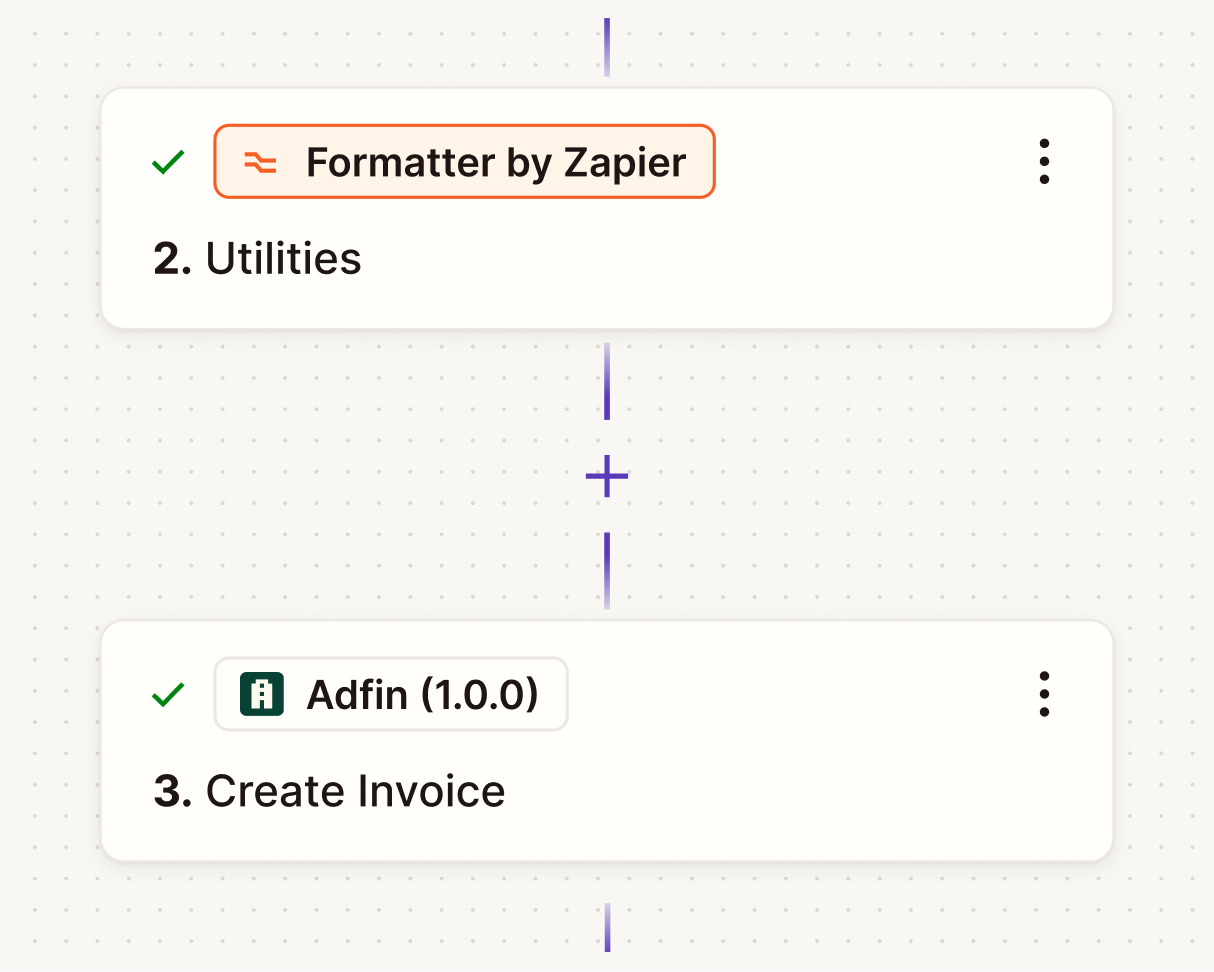
Create customers and invoices in Adfin from the other apps in your Zaps.
Three steps to your first Zap.
Post a message in Slack when a new invoice is created in Adfin.
Mark a deal as Closed-Won in HubSpot when a payment clears.
Create a ticket in Intercom/Zendesk to follow up automatically.
Append new customers to a shared sheet for ops & reporting.
Keep Xero and QuickBooks in step automatically.
Payments run on Modulr, with automatic reconciliation.
Automated reminders for invoices that haven't been paid.
Webhooks come with retries and signatures.